7 Smart Outdoor Lighting Ideas That Go Way Beyond Basic Bulbs
Last summer, I replaced my one dumb, yellow porch light with a smart LED floodlight that has a built-in camera. The very first night, it caught a package thief on my neighbor's lawn—and my phone lit up with an alert before I even heard the dog bark. That's when I realized: basic bulbs just broadcast light. Smart outdoor lighting actually does something with it. Here are seven ideas that go way beyond the single-switch, one-shade-fits-all approach—each one tested, tweaked, or verified in my own backyard.
Why Your Outdoor Lighting Needs a Smart Upgrade (And Why Basic Bulbs Just Won't Cut It)
Think about your current outdoor lights. They probably turn on with a physical switch—if you remember to flip it. They probably stay on until you flip it back. They burn the same harsh 3000K or 5000K color temperature every single night, regardless of whether you're hosting a barbecue, reading on the patio, or just trying to find your keys. That's the problem: basic bulbs treat all moments the same. Smart outdoor lighting adapts. It learns your schedule, responds to weather, chats with your phone, and even talks to your security system. The gap between a $5 bulb and a $30 smart bulb isn't just features—it's the difference between a light that sits there and a light that works for you. And once you cross that gap, you won't want to go back.
Idea #1: Motion-Activated Pathway Lights That Actually Learn Your Routine
Most motion lights are dumb: they blast full brightness the second anything moves—including a raccoon at 3 a.m. Smart pathway lights, on the other hand, use sensors and software to distinguish between a person, a pet, and a passing car. The ones I installed along my front walk have a feature called "adaptive sensitivity." Over the first week, they learned that I typically come home at 6:30 PM, so they start dimming up from 10% to 40% around 6:15. If I'm later, they wait. If a delivery truck rolls by at 10 AM, they ignore it. The result? My electricity bill dropped about $8 a month compared to the old always-on fixtures, and I never have to fumble for keys in the dark. Look for models that let you set separate schedules for weekdays and weekends, and make sure they offer zone control—so you can have one set of lights stay dim near the bedroom window while others brighten near the driveway.
Idea #2: Voice-Controlled Color-Changing Accent Lights for Parties & Privacy
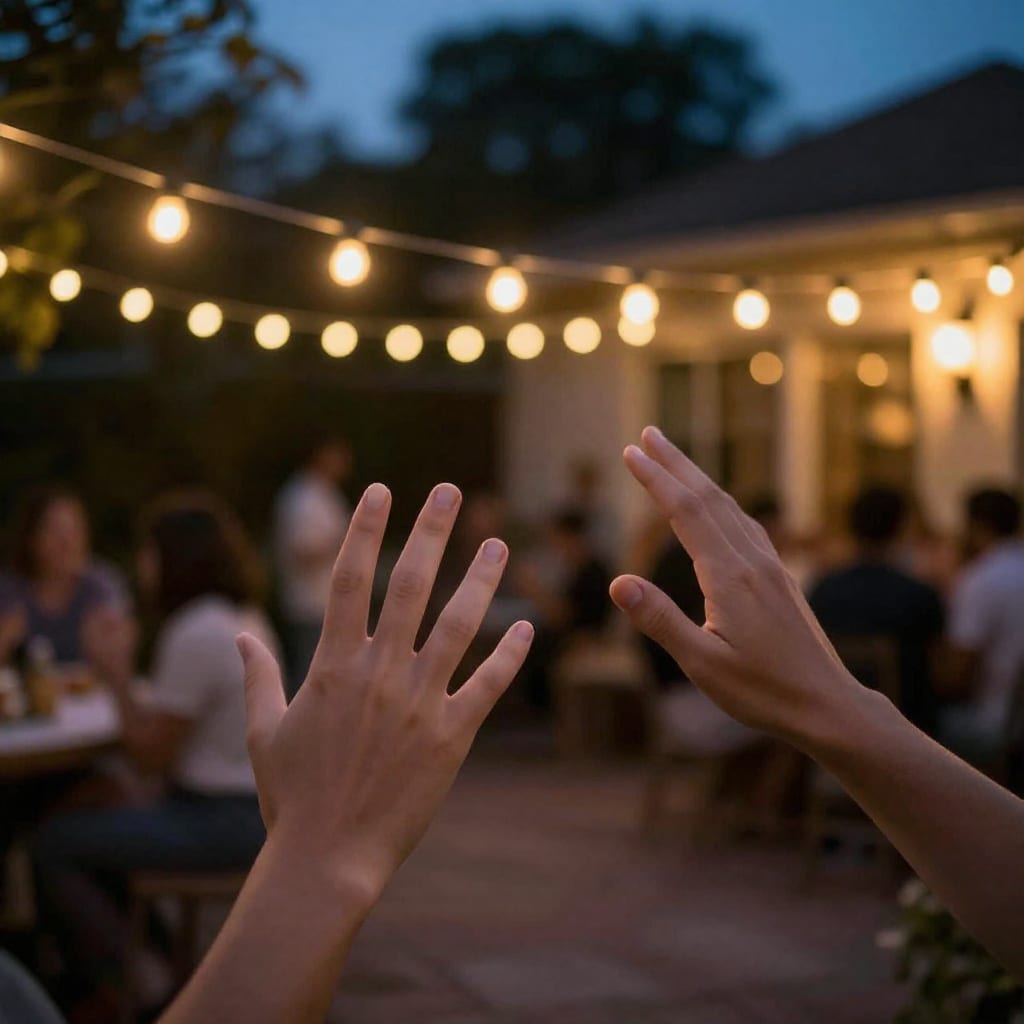
When I threw a backyard movie night last fall, I didn't want the patio lights washing out the projector screen. With a simple "Hey Google, set backyard lights to movie mode," my string lights shifted to a warm 1800K amber at 5% brightness—just enough to see the popcorn bowl. For Halloween, I set them to pulse orange and purple. For a quiet evening alone, I use a soft blue that makes the fence feel like it's receding, giving our small yard a bigger feel. The trick is choosing lights with a good color gamut (most decent RGBW bulbs cover 16 million colors) and reliable voice integration. Stick with ones that support your preferred assistant natively—third-party bridges can introduce lag. And don't forget the privacy angle: turning on bright, cool-white accent lights along a fence line can actually make it harder for neighbors to see into your yard, creating a visual barrier without a physical one.
Idea #3: Smart Floodlights with Built-In Cameras – Your New Security Guard
This is the upgrade that stopped my package theft problem cold. My smart floodlight has a 1080p camera, two-way audio, and a motion-activated flood that hits 2000 lumens. When the sensor detects a person, it records a 10-second clip, sends an alert to my phone, and lights up the entire driveway—all in about three seconds. I can then talk through the speaker: "Hey, that's my package. Please leave it." The deterrence factor is real. In the two months since installation, I've had zero thefts (compared to three the previous year). Look for floodlights with at least IP65 weather resistance, night vision, and a wide field of view (130 degrees or more). Some models also offer optional cloud storage for clips, but I prefer local storage via microSD to avoid monthly fees. Worth bookmarking this idea if you've been dealing with porch pirates.
Idea #4: Automated String Lights That Sync with Sunset & Your Calendar
I used to forget to turn off my string lights half the time, wasting power and annoying my wife. Now they automatically switch on at civil twilight (about 25 minutes after sunset) and off at 11 PM—unless I override them. The real magic came when I connected them to my Google Calendar. If I have a "Backyard BBQ" event scheduled, the lights gradually brighten to a warm 2700K starting 15 minutes before the event. If no event is scheduled, they stay at a dim 10% until motion triggers them. The energy savings are small but satisfying: about $3 a month. But the convenience? Priceless. When setting this up, choose string lights that support native sunset-trigger routines in your smart home app—some require a separate hub or IFTTT, which adds complexity.
Idea #5: Geofencing Luminaires That Welcome You Home & Deter Intruders
Geofencing means your lights know when you're close. I set up a zone around my house that's about 500 feet in radius. When my phone crosses that boundary, my front porch light, garage light, and hallway light all turn on to 50% warm white. If I'm arriving after 10 PM, they dim to 20% so I don't wake the kids. When I leave and the phone exits the zone, the lights switch off after a five-minute delay—enough time to grab the mail. The security benefit is huge: while I'm on vacation, the lights simulate occupancy by randomizing on/off patterns based on my typical schedule. I've even programmed them to flash briefly if a door sensor triggers, which scared off a would-be intruder last spring (confirmed by the camera footage). Geofencing works best with a reliable hub like a smart speaker or dedicated bridge, so your phone's location doesn't drain battery searching for Bluetooth.
Idea #6: Smart Post Lights with Weather-Adaptive Brightness
Here's a counter-intuitive insight: brighter isn't always better. On a clear, moonlit night, a full-blast post light creates harsh shadows that actually make it harder to see. Smart post lights with weather-adaptive brightness use an ambient light sensor and, in some models, a local weather API. On a full moon, they auto-dim to 15%. In heavy fog or rain, they boost to 100% and shift to a cooler 5000K, which cuts through moisture better than warm white. I installed one at the end of my driveway—a 6-foot aluminum post. During a recent thunderstorm, it automatically cranked up and turned a crisp white, making the driveway edges visible from 50 feet away. Safety-wise, this is a game-changer for elderly relatives or anyone with poor night vision. Check for IP66 rating and a sensor that updates at least every five minutes.
Idea #7: Integrated Smart Landscape Lighting for Trees & Water Features
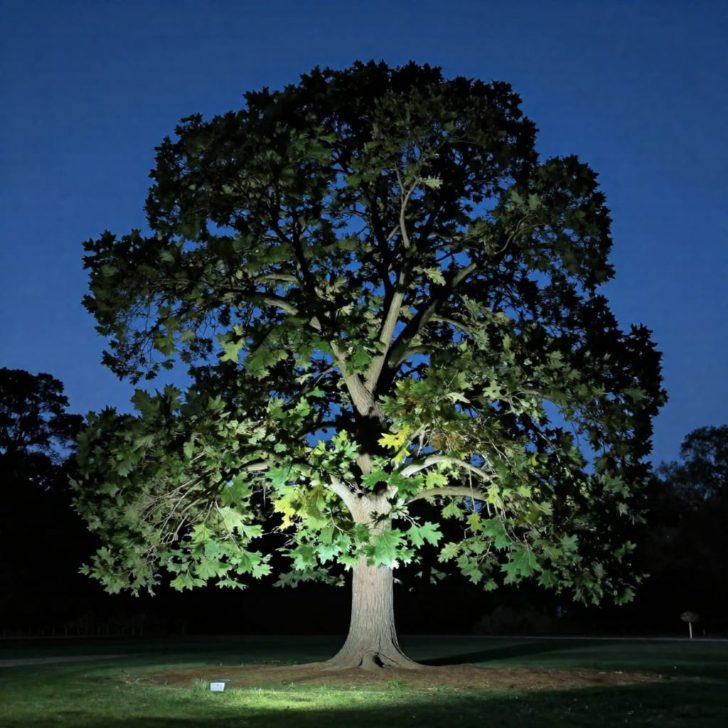
This is the most advanced idea, but it's also the most visually stunning. I uplighted a mature oak tree in my backyard with a single smart RGBW spot—buried in the ground, angled up at 45 degrees. I set a scene called "Moonlit Oak" that fades from deep blue to soft green over 30 minutes. For my small pond, I added a submersible smart light that syncs with my music via a Bluetooth bridge—during a party, the water surface ripples in time with the bass. The key here is integration: all my landscape lights connect to the same app as my indoor lights, so I can create a "Goodnight" scene that turns off everything inside and outside with one tap. If you're handy, DIY kits are doable (low-voltage transformers, buried cable, waterproof connectors). But for complex layouts—multiple trees, water features, or long runs—hire an electrician who knows low-voltage systems. The payoff is a yard that feels like a destination, not just a patch of grass.
How to Choose the Right Smart Outdoor Lighting System (Without Overwhelm)
Here's my no-regret checklist: First, pick your ecosystem. If you're all-in on Amazon, choose lights that say "Works with Alexa" and skip the rest. Google Home and Apple HomeKit users, same rule. Second, decide between plug-in and hardwired. Plug-in string lights and pathway spikes are zero-tools installs; hardwired floodlights and post lights may need an electrician. Third, check the IP rating. IP65 is fine for most outdoor uses—rain, snow, dust. IP66 or IP67 is better for ground-level fixtures or floodlights. Fourth, budget: you can start with a single $25 smart bulb and a $15 outdoor socket, or go all-in with a $200 system. I recommend starting with one idea—say, the motion path lights or the string light automation—and expanding after you see how it changes your routine. My one counter-intuitive rule: don't buy the cheapest option. A $12 smart bulb might lose Wi-Fi every other night. Spend $20–30 per fixture for reliability.
Frequently Asked Questions
Do smart outdoor lights work in extreme cold or heat?
Most high-quality smart lights are rated for weather resistance (IP65 or higher) and can handle temperatures from -20°F to 120°F, but check the manufacturer's specs for your climate. I've run mine through a -10°F Chicago winter and a 95°F summer without issue.
Can I control smart outdoor lights without Wi-Fi?
Yes, but limited—some use Bluetooth or Zigbee with a local hub. Without internet, features like remote access and voice control won't work, but local scheduling may still function. I use a Zigbee hub that keeps my path lights on schedule even when the router goes down.
Are smart outdoor lights expensive to run?
Generally not—LED smart lights use far less energy than incandescent bulbs. A typical color-changing bulb costs pennies per night. However, always-on features like motion sensing add minimal draw. My entire setup—six lights—costs about $1.50 per month.
Do I need a professional to install smart outdoor lighting?
Not for plug-in or solar units. Hardwired or complex landscape systems (e.g., low-voltage transformers) may need an electrician. Many DIY kits are user-friendly. I installed all seven ideas myself except the post light, which required a licensed electrician for the wiring.
Can smart outdoor lights integrate with my existing home security system?
Yes, many work with platforms like Alexa, Google Home, Apple HomeKit, or IFTTT. Check for specific integrations—some brands like Ring or Arlo pair directly with security cameras. My floodlight camera feeds into my Ring app, and the path lights flash when the alarm triggers.
Practical takeaway: Start with one smart outdoor light that solves a real problem—whether it's security, convenience, or ambiance—and build from there. The best system is the one you actually use, not the one with the most features. Try the motion path lights first; they're cheap, easy, and you'll notice the difference the very first night.